data workspace
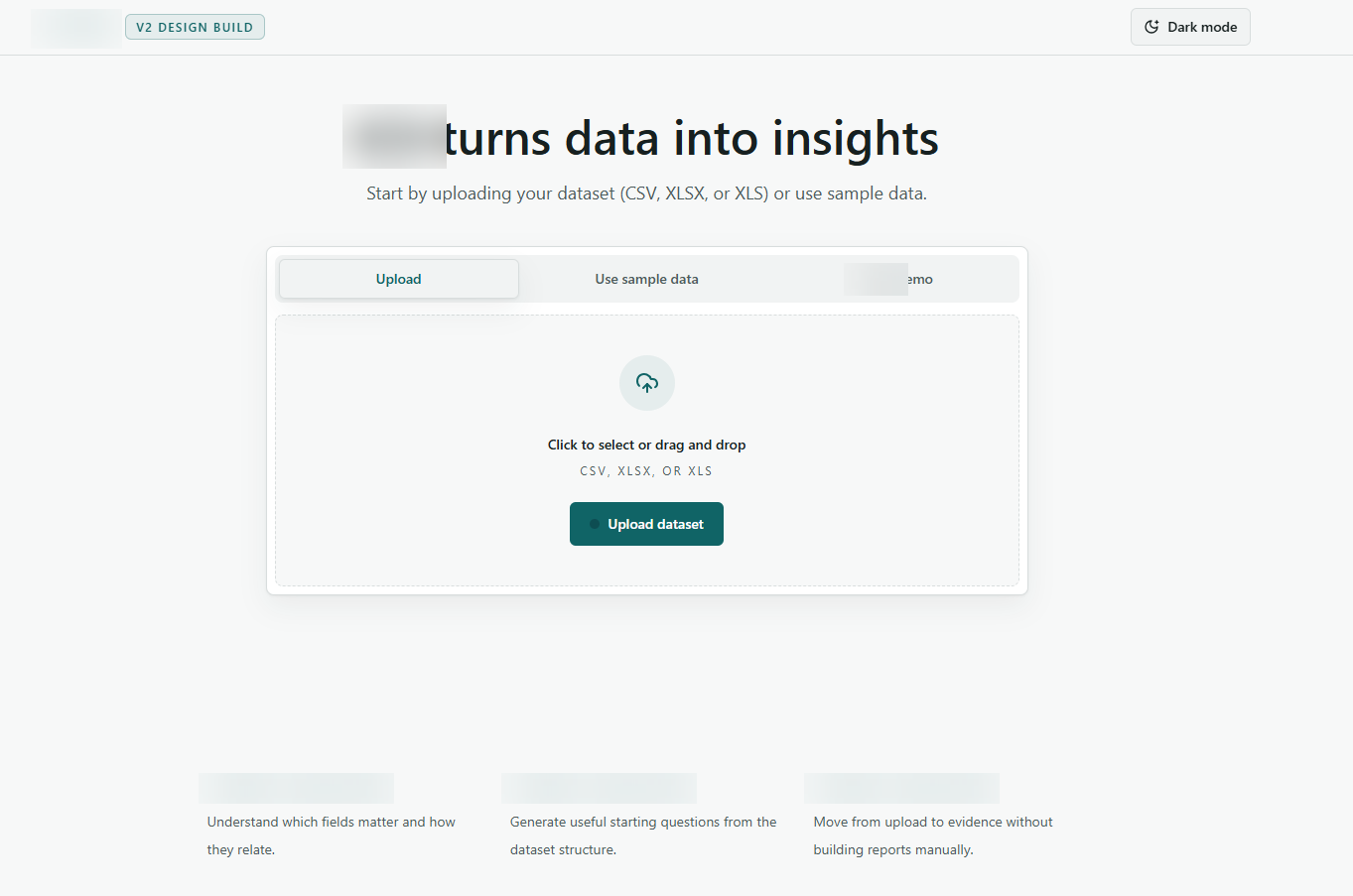
Upload and session start
A clean entry flow for uploading spreadsheet datasets, trying sample data, and starting an analysis workspace.
A user-friendly control layer for a powerful AI analytics backend.
This project focused on turning an advanced client-provided Python analytics engine into a practical web and desktop experience. My work covered the user interface, route structure, API integration, dataset flows, and result presentation so non-technical users could move from upload to useful evidence without managing backend complexity.
A clean entry flow for uploading spreadsheet datasets, trying sample data, and starting an analysis workspace.
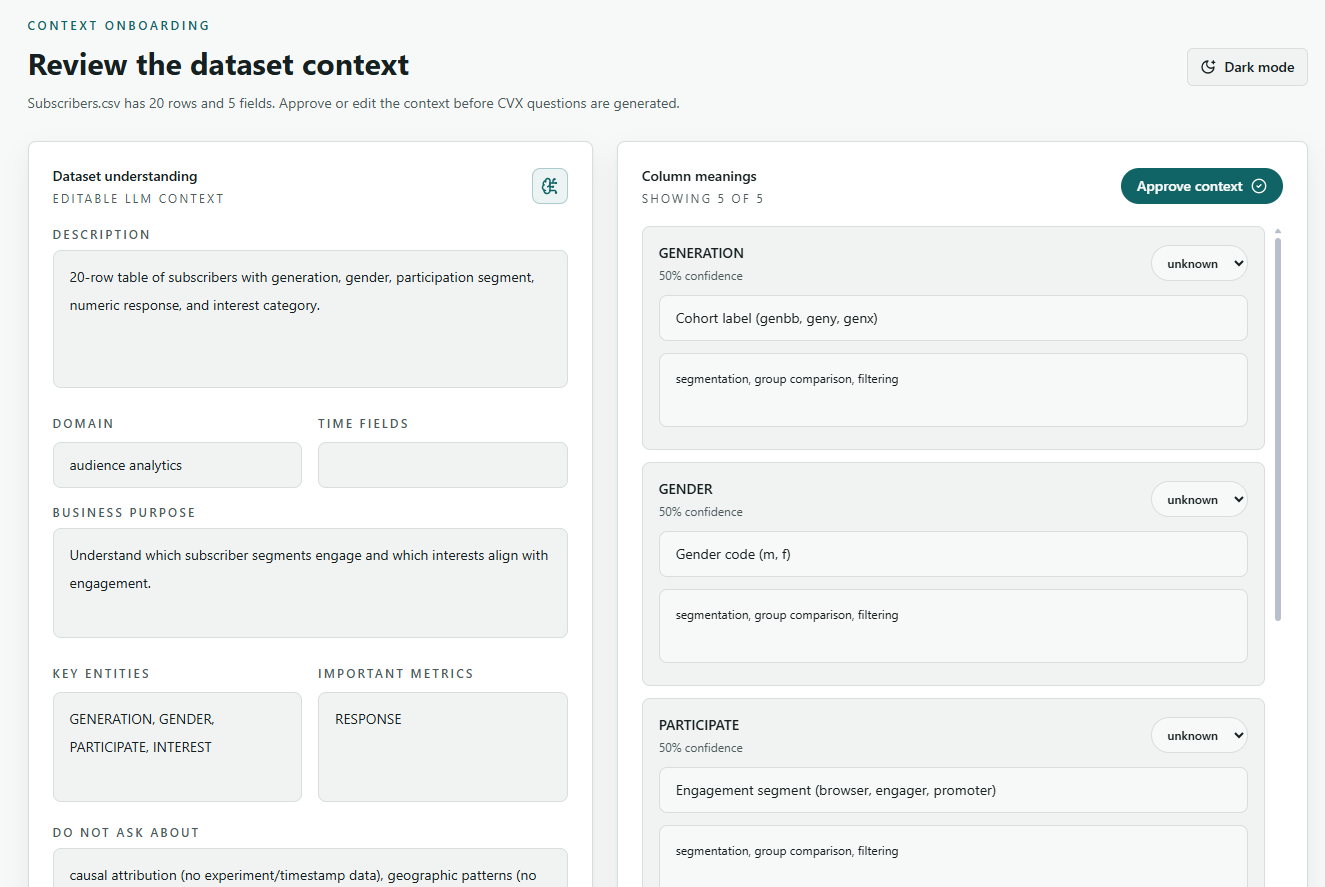
Editable context screens help users verify field meanings, business purpose, entities, and constraints before analysis begins.
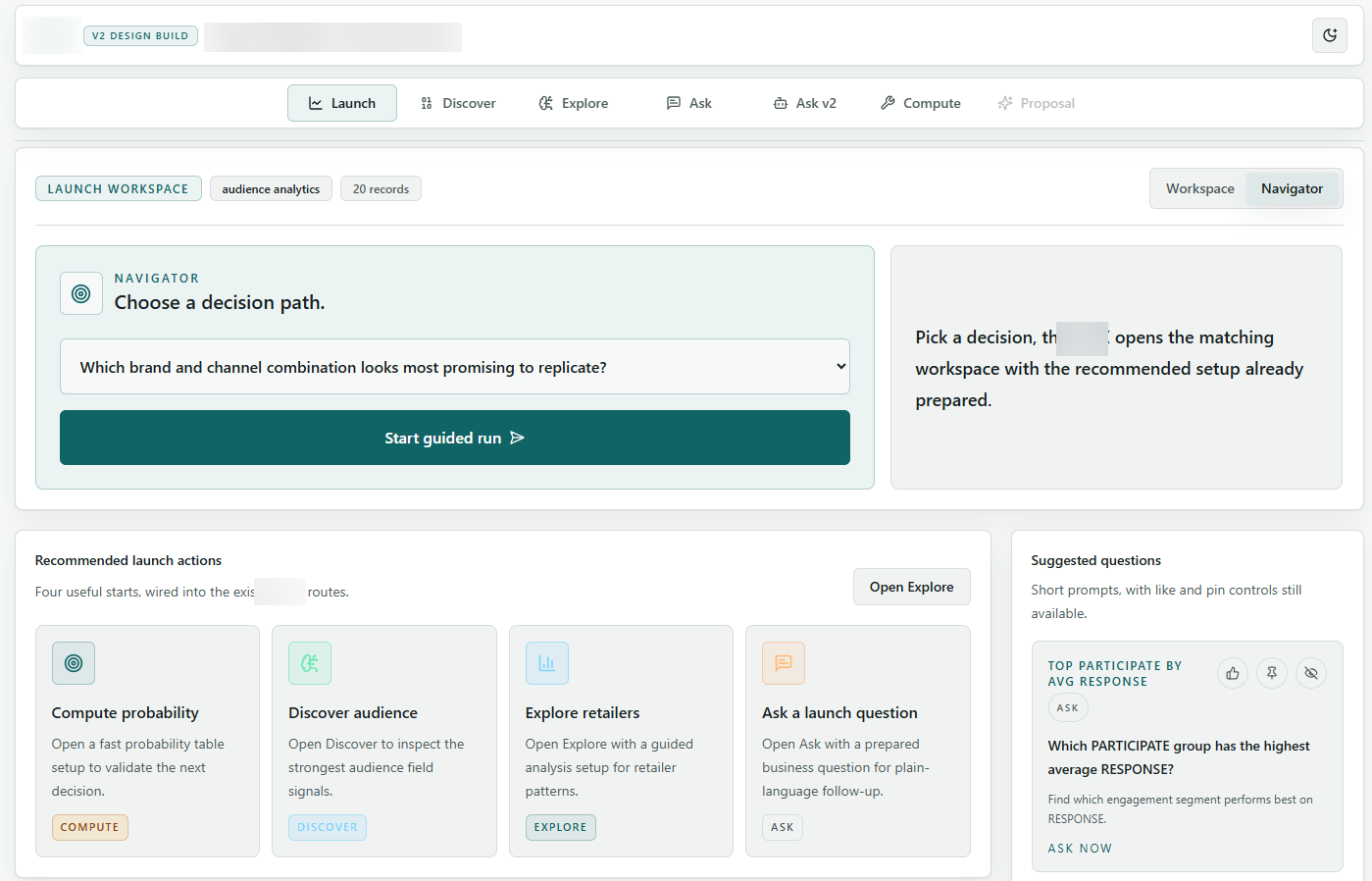
A command-center layout turns complex backend capabilities into clear recommended actions and decision paths.
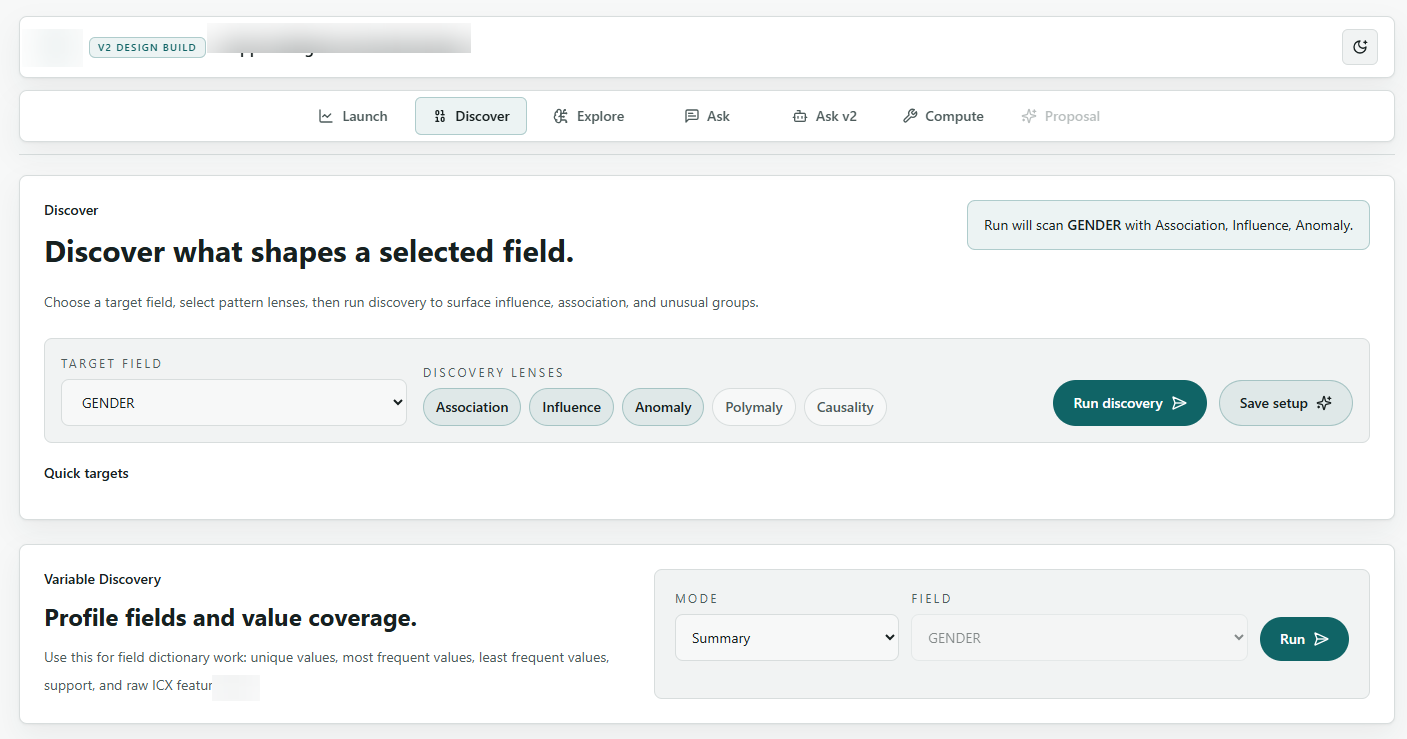
Focused controls let users choose target fields and analysis lenses without needing to understand backend internals.
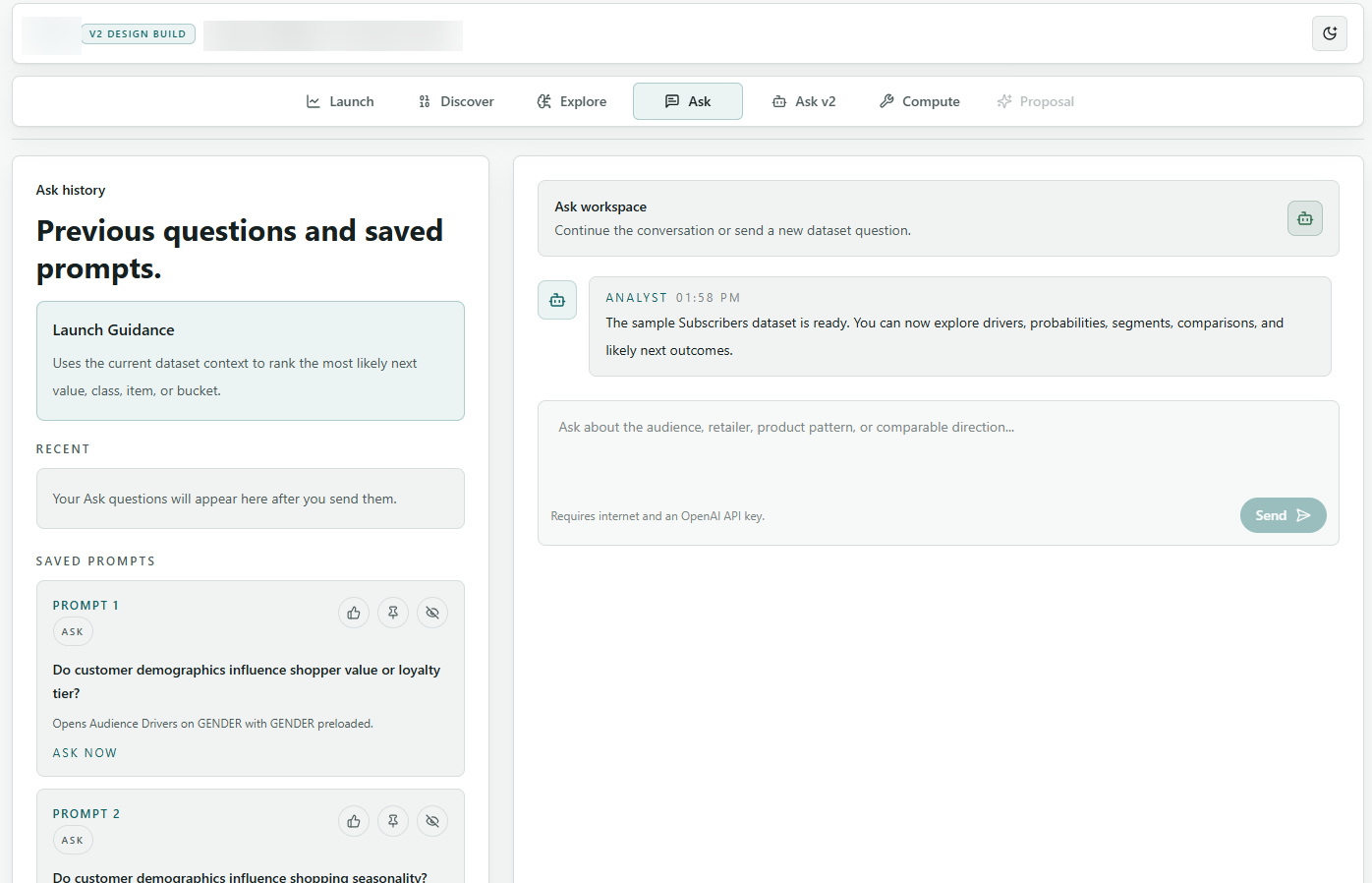
A conversational workspace connects saved prompts, prior questions, and dataset-aware follow-up requests.
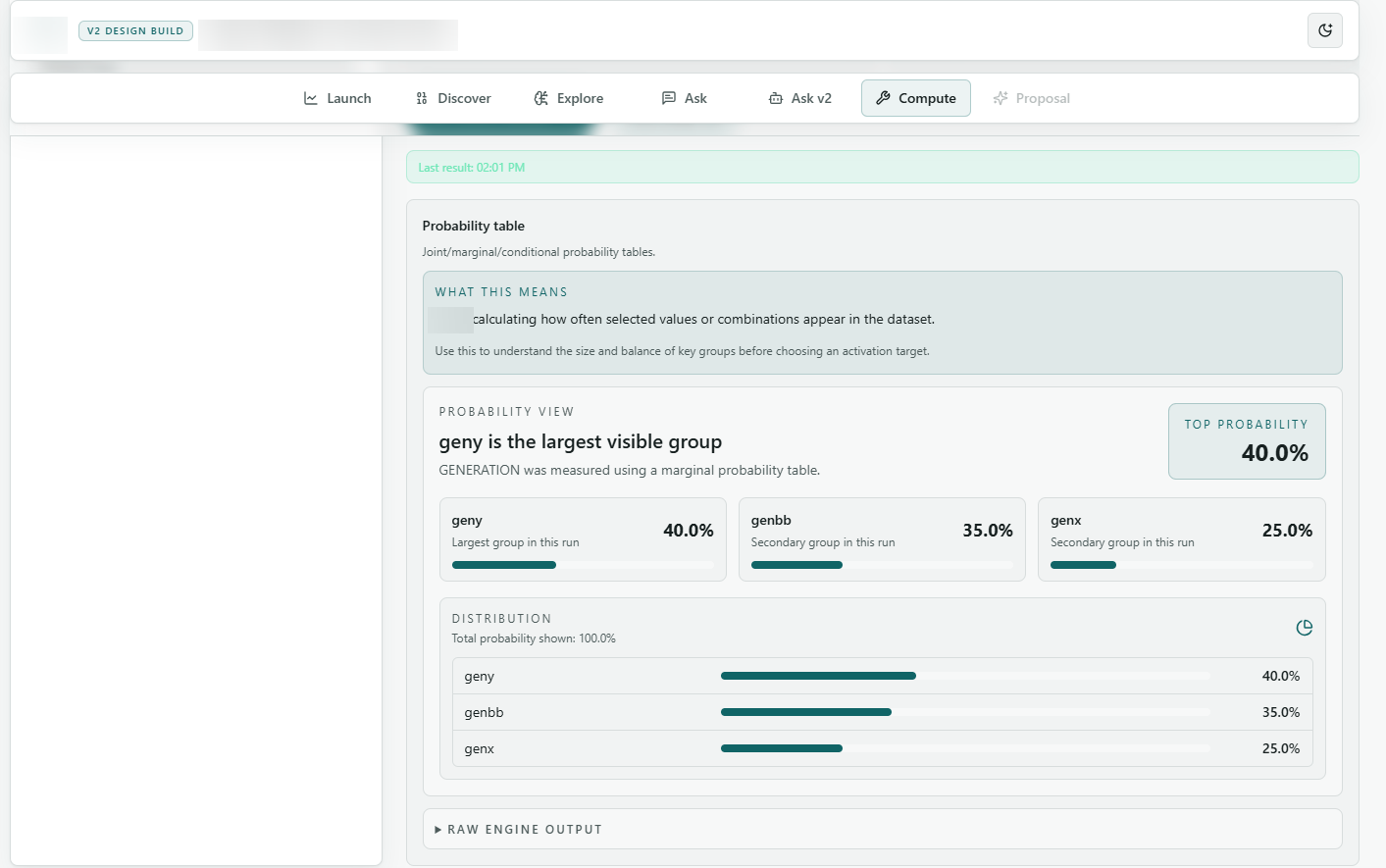
Backend output is presented as readable summaries, ranked groups, distributions, and expandable raw details.
A complex analytics process is reduced to clear product steps.
Designed and built the user-facing workspace that makes advanced analysis workflows approachable.
Structured the app into launch, discovery, ask, compute, and results paths for repeatable navigation.
Connected the interface to the client-provided analytics backend through practical request and session flows.